Welcome! This page will guide you through the first steps of using Bitbucket for version control and collaboration.
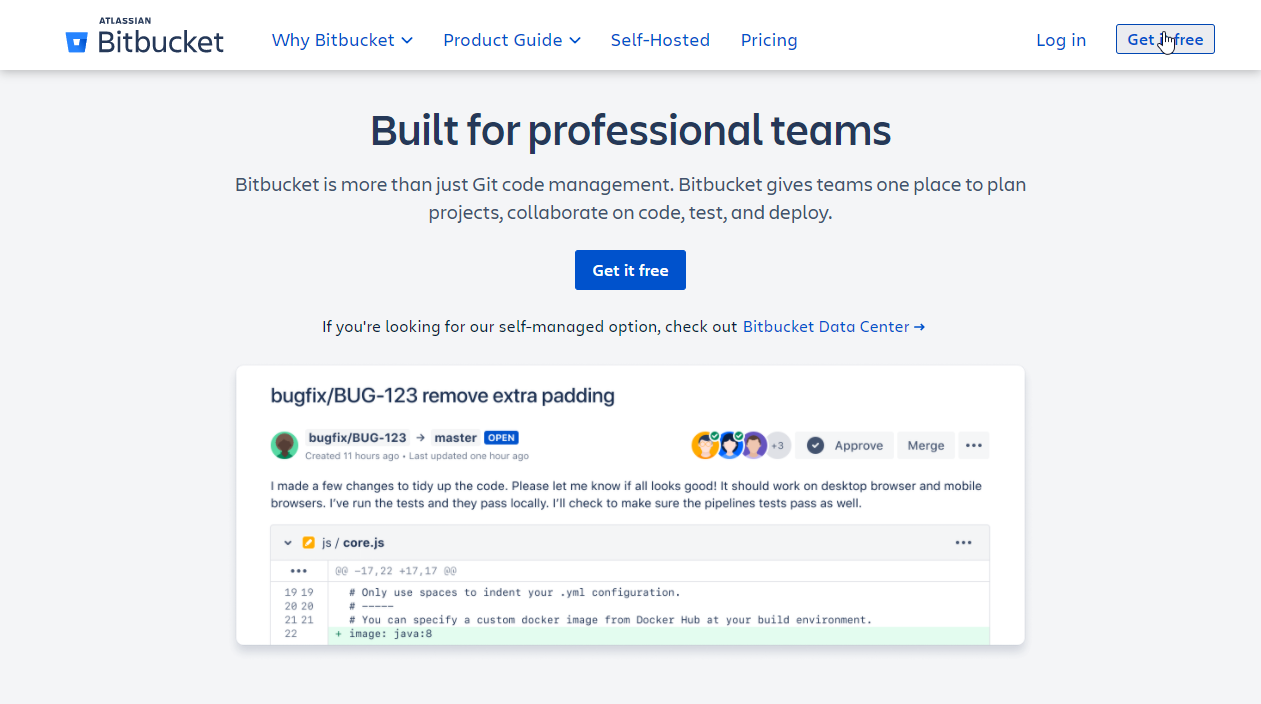
Go to Bitbucket and create a free account:
Note: Use the same email address you plan to use for your Git configuration.
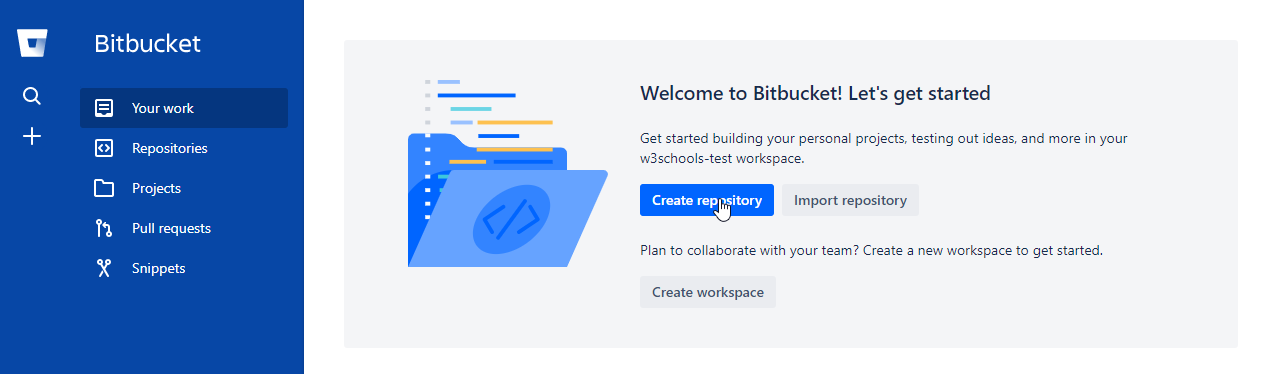
After signing in, click the Create repository button:
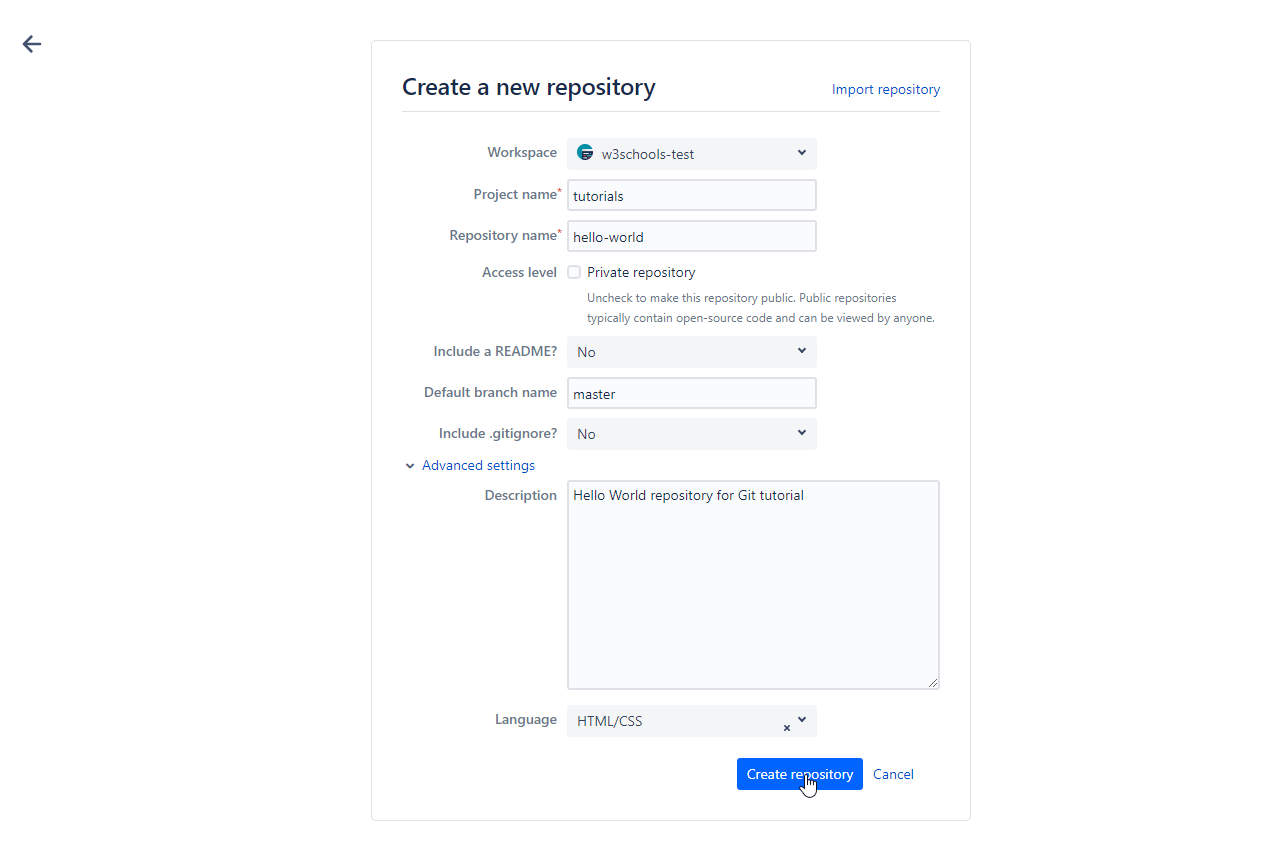
Fill in the repository details (name, description, public/private, etc.), then click Create repository:
A remote repository is a version of your project hosted on the internet. Bitbucket is a popular platform for hosting remote repositories, enabling you to collaborate with others and back up your code.
Next, you will learn how to securely connect your computer to Bitbucket using SSH.