CSS Styling Images
Learn how to style images using CSS.
Rounded Images
You can use the border-radius property to create rounded images:

Tip: Look at the CSS Image Shapes chapter to learn how to shape (clip) images to circles, ellipses and polygons.
Thumbnail Images
Use the border property to create thumbnail images:
Example
img {
border: 1px solid #ddd;
border-radius: 4px;
padding: 5px;
width: 150px;
}
Try it Yourself »
Thumbnail image as a link:
Example
img {
border: 1px solid #ddd;
border-radius: 4px;
padding: 5px;
width: 150px;
}
img:hover {
box-shadow: 0 0
2px 1px rgba(0, 140, 186, 0.5);
}
Try it Yourself »
Responsive Images
Responsive images will automatically adjust to fit the size of the screen.
Resize the browser window to see the effect:
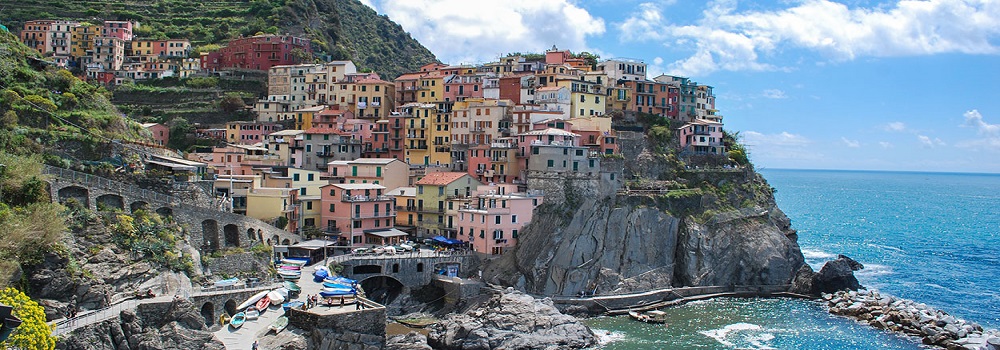
If you want an image to scale down if it has to, but never scale up to be larger than its original size, add the following:
Tip: Read more about Responsive Web Design in our CSS RWD Tutorial.
Polaroid Images / Cards
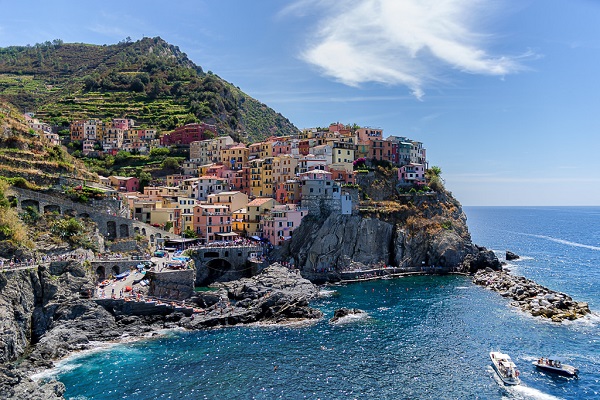
Cinque Terre

Northern Lights
Example
div.polaroid {
width: 80%;
background-color: white;
box-shadow: 0 4px 8px 0 rgba(0,
0, 0, 0.2), 0 6px 20px 0 rgba(0, 0, 0, 0.19);
}
img {width: 100%}
div.container {
text-align: center;
padding: 10px 20px;
}
Try it Yourself »
Responsive Image Gallery
CSS can be used to create responsive image galleries. This example use media queries to re-arrange the images on different screen sizes. Resize the browser window to see the effect:



Example
@media only screen and (max-width: 768px) {
div.gallery-item {
width: calc(50% - 20px);
}
}
@media only screen and (max-width: 480px) {
div.gallery-item {
width: calc(100% - 20px);
}
}
Try it Yourself »
Tip: Read more about Responsive Web Design in our CSS RWD Tutorial.
Image Styling Subpages
Continue learning about CSS image styling:
- Image Effects - opacity, text positioning, fade overlays
- Hover Overlays - slide effects, flip

