
Git Bitbucket Send Pull Request
Push Changes to Our Bitbucket Fork
 GitHub
 Bitbucket
 GitLab
Note: The Bitbucket screenshots on this page show the default branch as master.
Bitbucket now names the default branch main, so you will see main where the screenshots show master.
We have made a lot of changes to our local Git.
Now we push them to our Bitbucket
fork:
Push the changes:
Example
git push origin
Enumerating objects: 8, done.
Counting objects: 100% (8/8), done.
Delta compression using up to 16 threads
Compressing objects: 100% (5/5), done.
Writing objects: 100% (5/5), 393.96 KiB | 32.83 MiB/s, done.
Total 5 (delta 0), reused 0 (delta 0), pack-reused 0
To https://bitbucket.org/user/w3schools-test.bitbucket.io.git
   81c664c..935d157  main -> main
Go to Bitbucket, and we see that the repository has a new commit. And we can send a Pull Request to the original repository:

Click that and create a pull request:
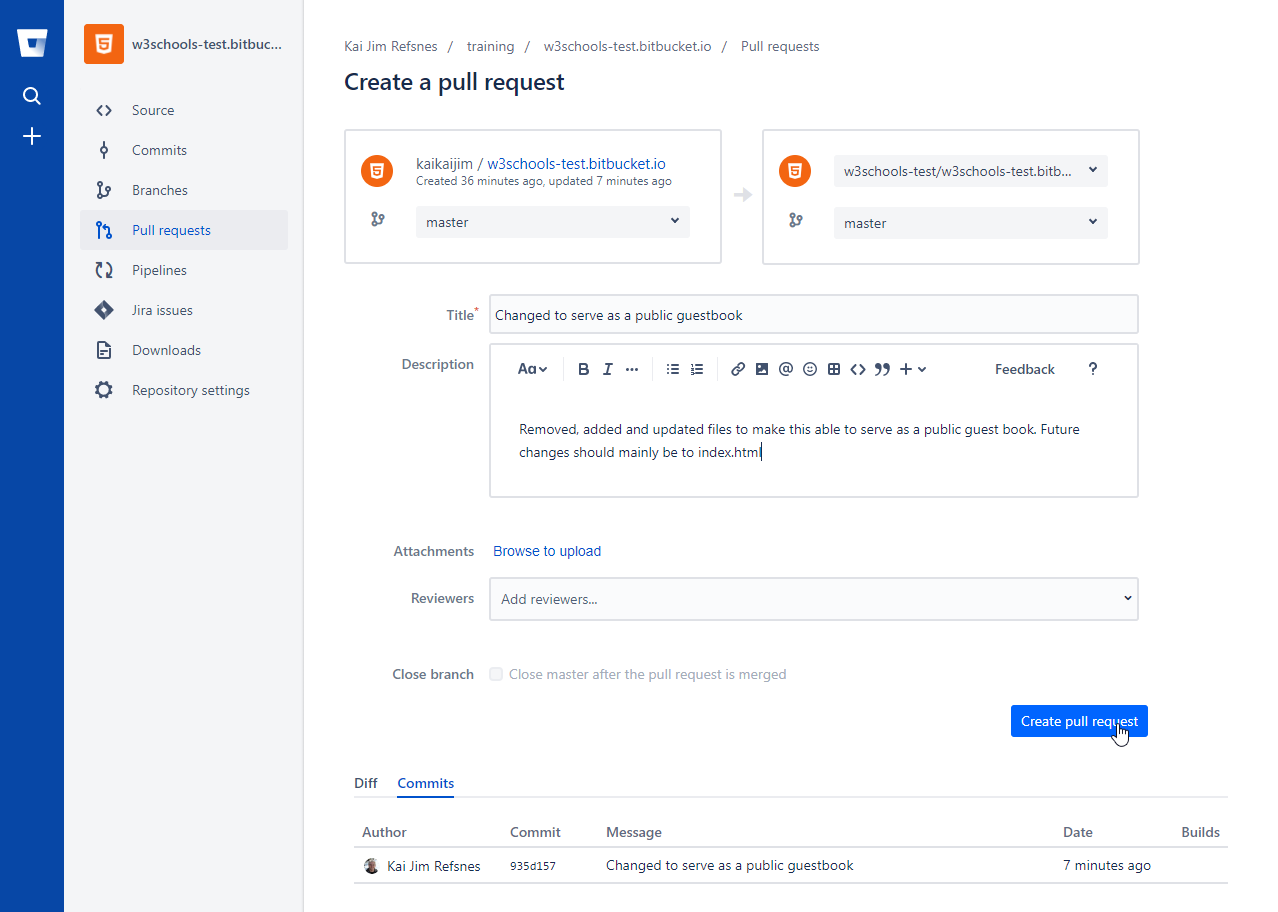
Remember to add an explanation for the administrators.
Pull Request is sent:
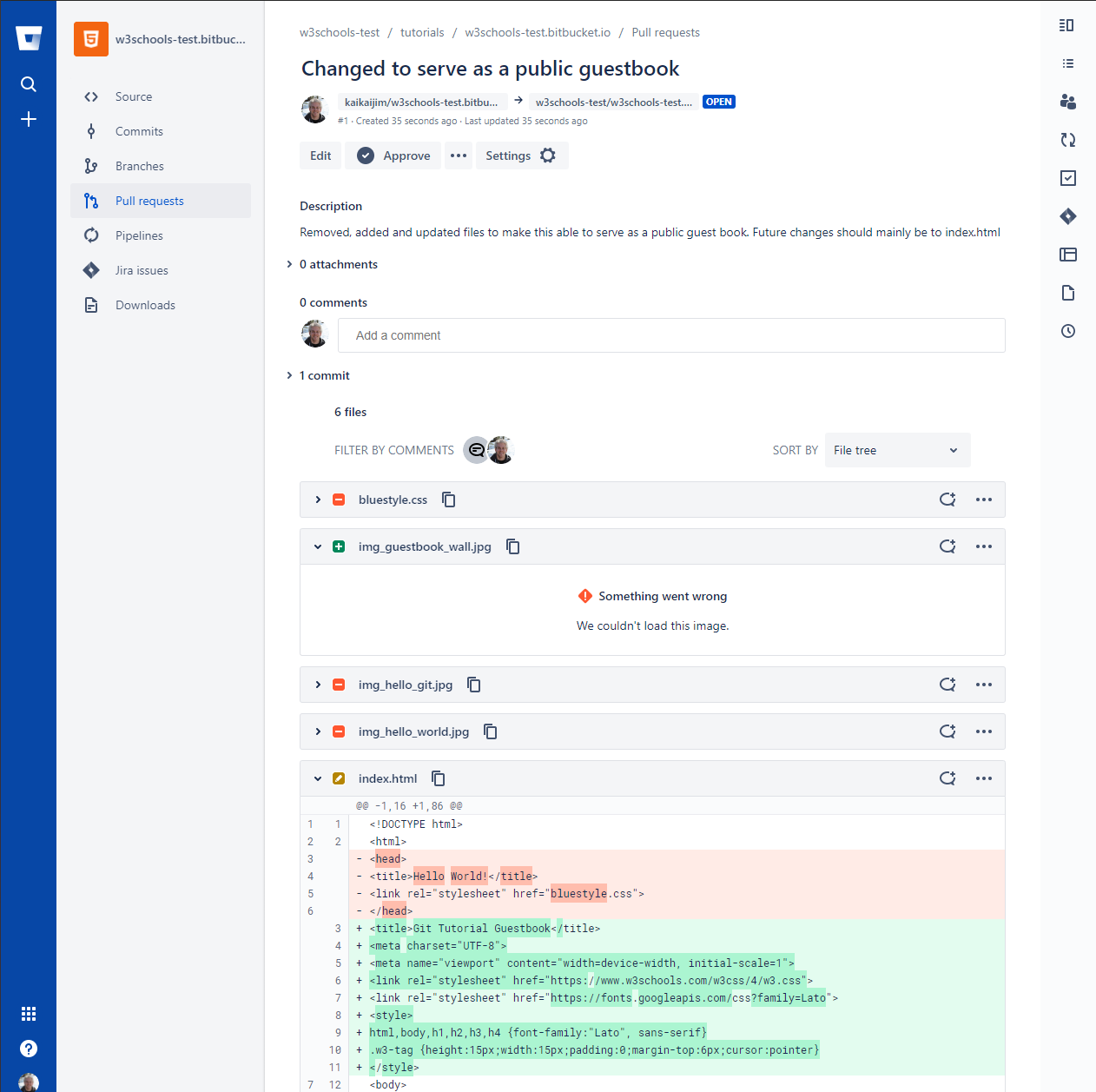
Approving Pull Requests
Now any member with access can see the Pull Request when they see the original repository:
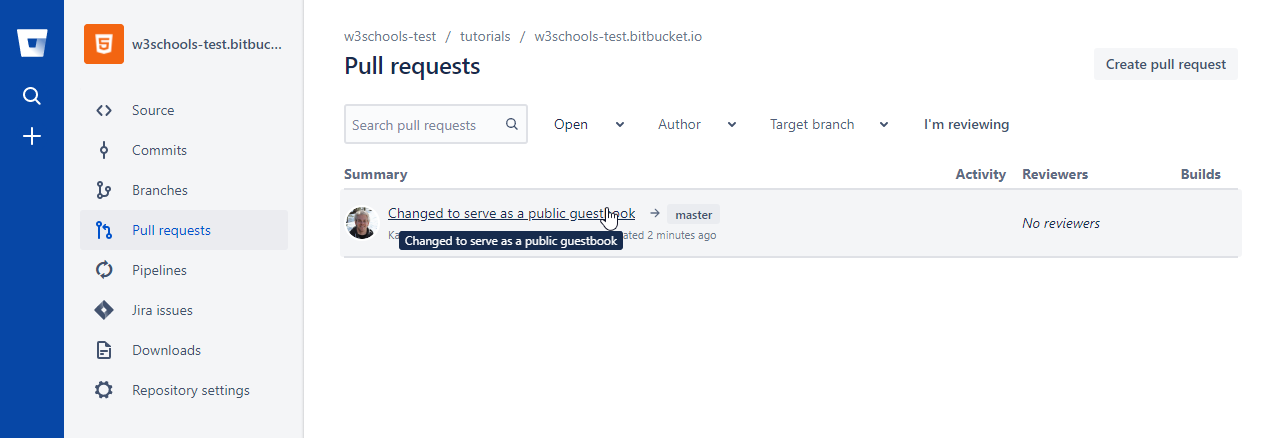
And they can see the proposed changes:
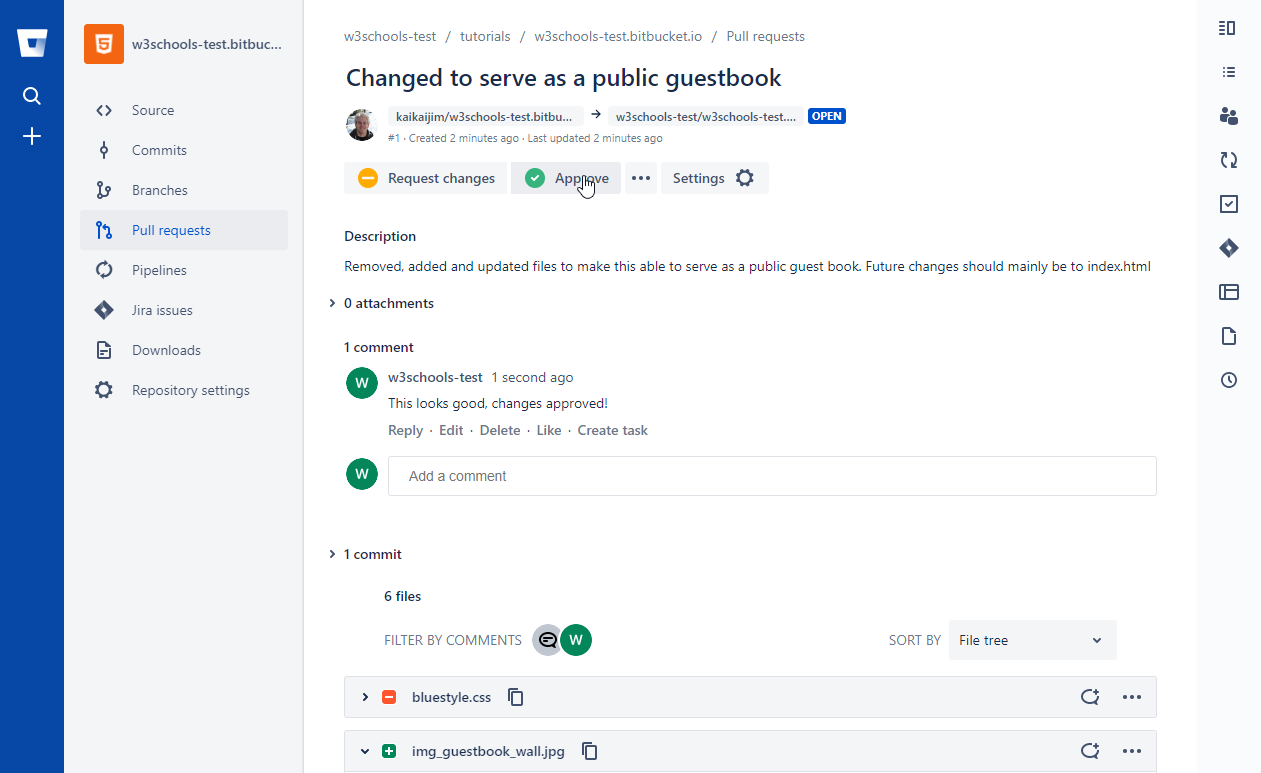
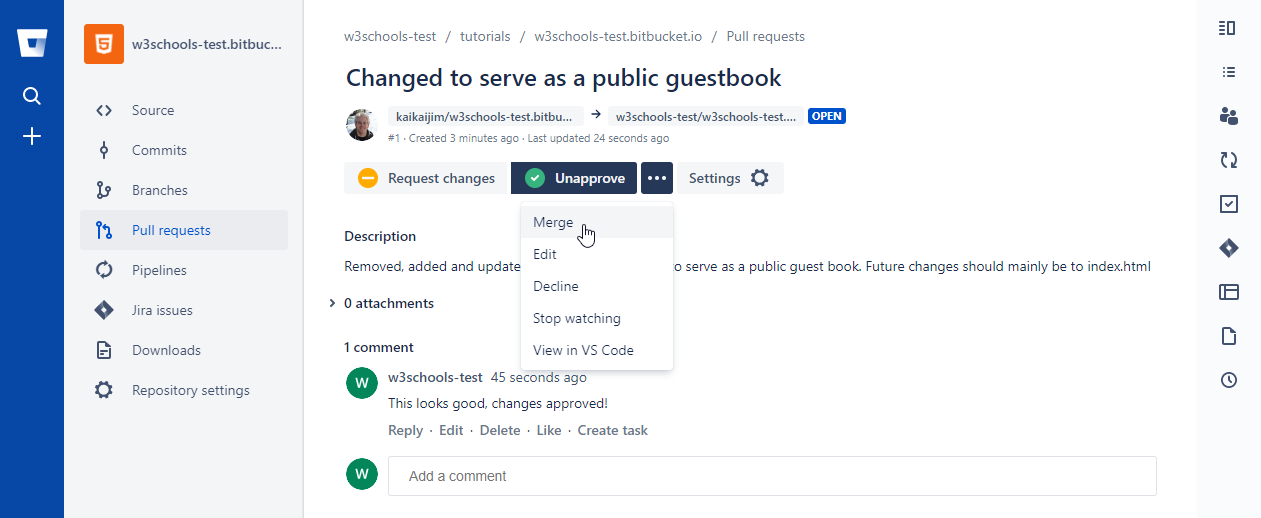
Comment on the changes and merge:
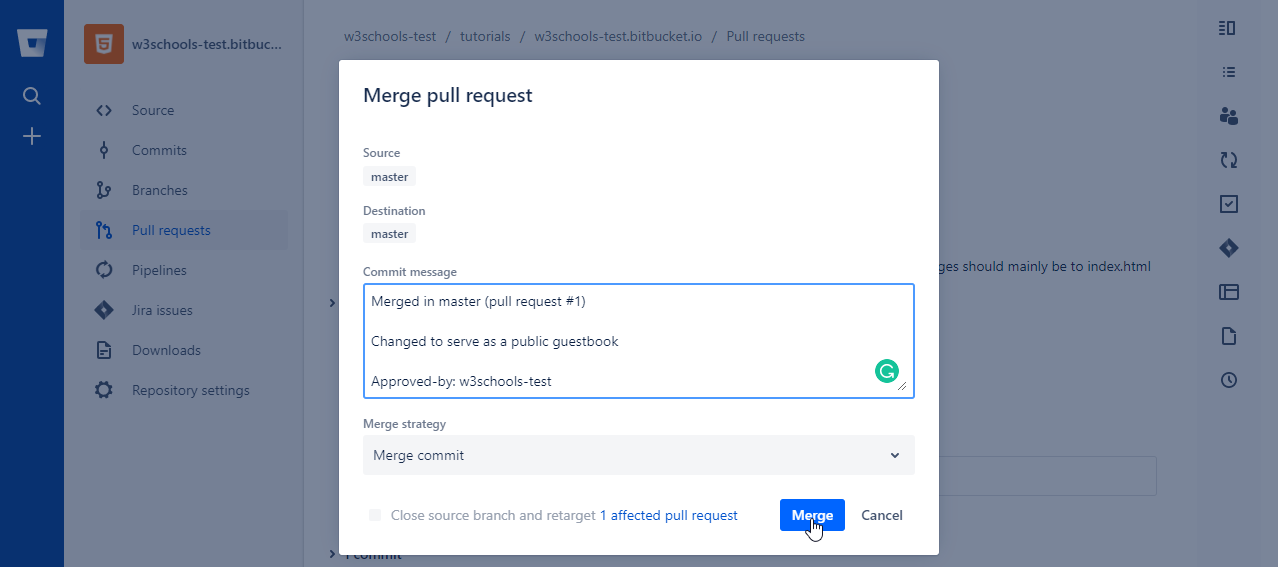
Confirm:
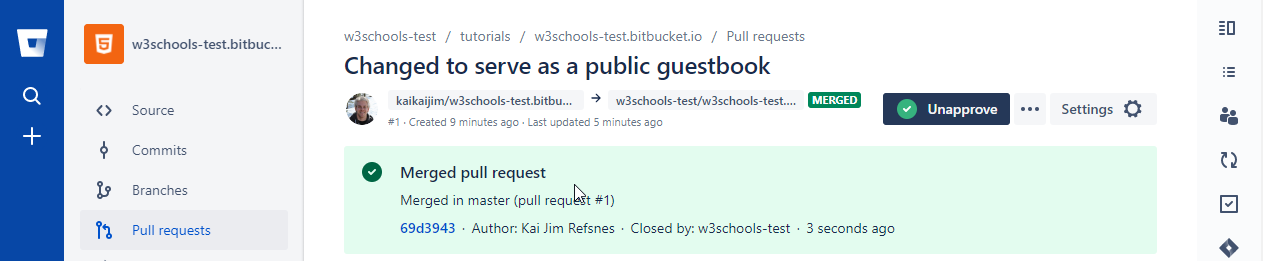
And changes have been merged with
main:
Now you try!