
Turtle Fill
Fill a Shape
To fill a shape with color, call begin_fill() before you draw the shape, and end_fill() after:
Example
Draw a filled square:
import turtle
t = turtle.Turtle()
t.begin_fill()
for i in range(4):
t.forward(100)
t.left(90)
t.end_fill()
turtle.done()
Result:
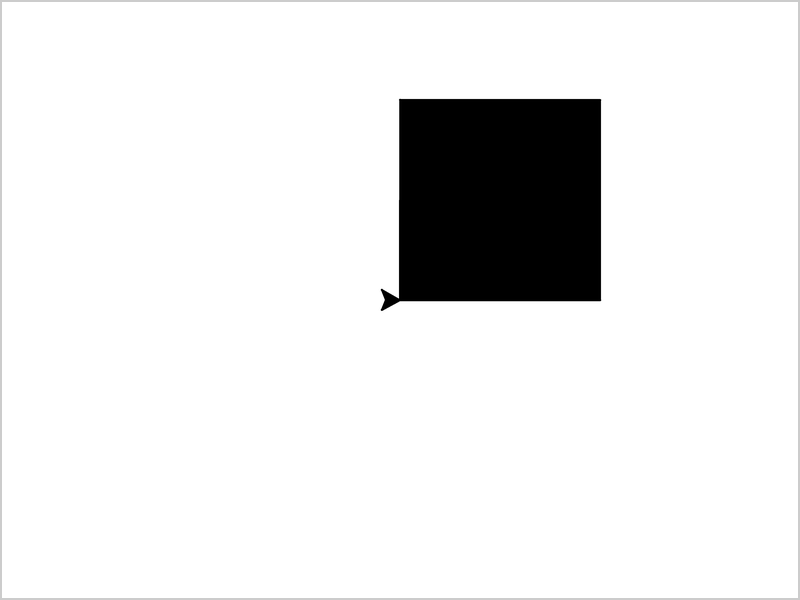
The fill color is black by default.
Fill Color
Use fillcolor() to choose the fill color:
Example
Fill the square with yellow:
import turtle
t = turtle.Turtle()
t.fillcolor("yellow")
t.begin_fill()
for i in range(4):
t.forward(100)
t.left(90)
t.end_fill()
turtle.done()
Result:
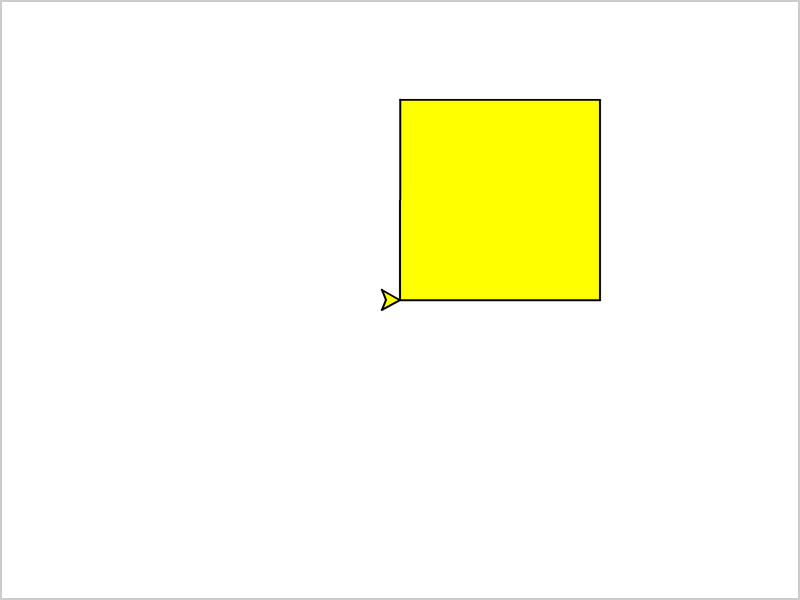
The outline is still black, because the pen color has not changed.
Pen Color and Fill Color
Use color() to set the pen color and the fill color at the same time.
The first color is for the pen, and the second color is for the fill:
Example
Draw a triangle with a red outline and yellow fill:
import turtle
t = turtle.Turtle()
t.color("red", "yellow")
t.begin_fill()
for i in range(3):
t.forward(100)
t.left(120)
t.end_fill()
turtle.done()
Result:
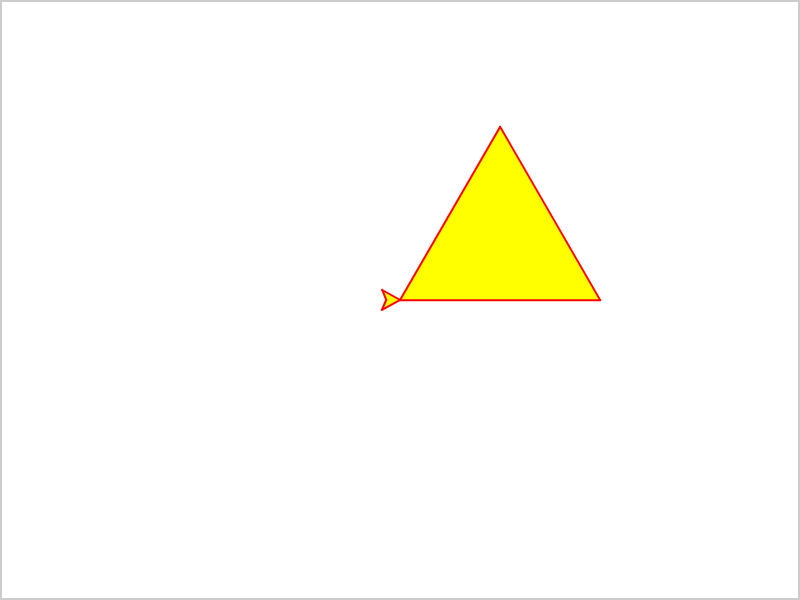
If you only give one color, it is used for both the pen and the fill:
Example
Draw an orange circle:
import turtle
t = turtle.Turtle()
t.color("orange")
t.begin_fill()
t.circle(50)
t.end_fill()
turtle.done()
Result:

Draw a Dot
Use dot() to draw a filled circle where the turtle is.
The first number is the size of the dot, and the second is the color:
Example
Draw a red dot:
import turtle
t = turtle.Turtle()
t.dot(50, "red")
turtle.done()
Result:

Unlike circle(), the dot is drawn around the turtle, and you do not need begin_fill() and end_fill().







