
Turtle Move and Turn
Move the Turtle
On the previous page, you used forward() to move the turtle forward.
The number inside the parentheses is the distance, in pixels.
To move the turtle back, use the backward() method:
Example
Move 100 pixels forward, then 150 pixels back:
import turtle
t = turtle.Turtle()
t.forward(100)
t.backward(150)
turtle.done()
Result:
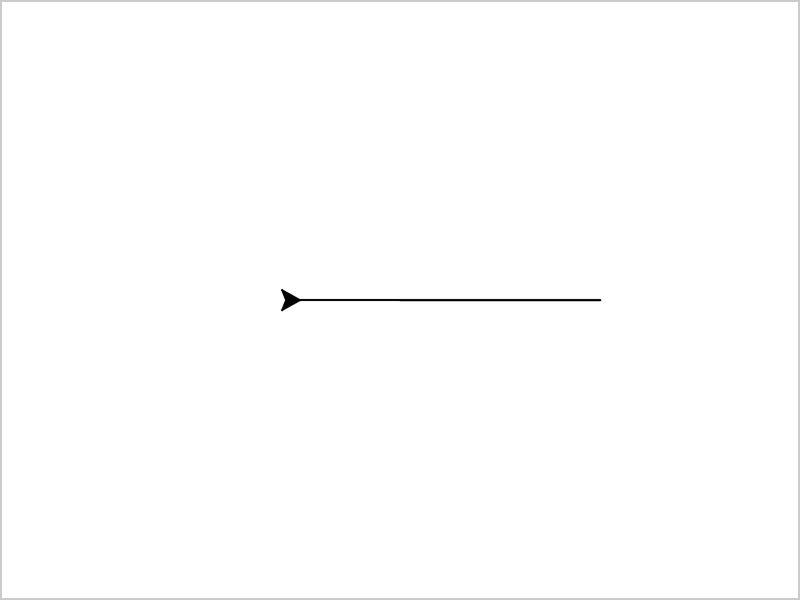
The turtle moves back without turning around, so it still faces right.
Turn Left and Right
Use left() and right() to turn the turtle.
The number inside the parentheses is how much to turn, in degrees.
Turning does not move the turtle. It only changes the direction the turtle is facing.
Example
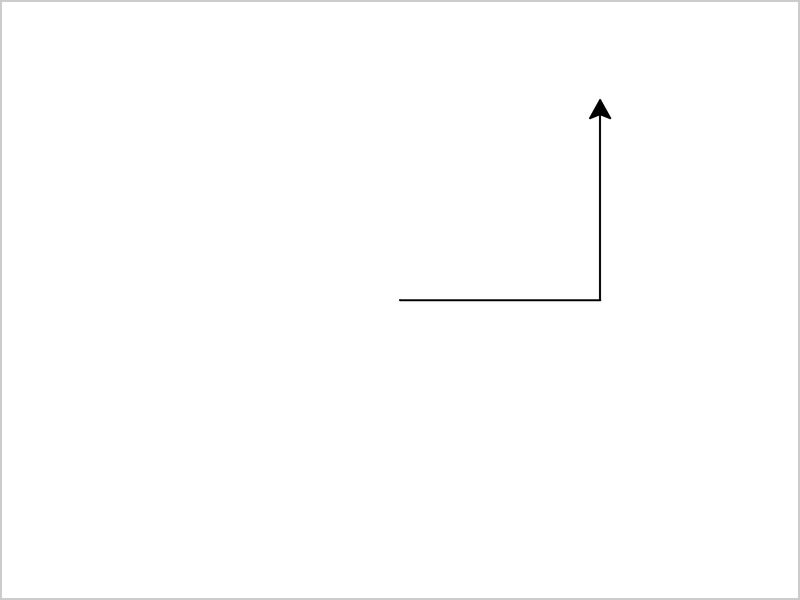
Draw a line, turn left, and draw another line:
import turtle
t = turtle.Turtle()
t.forward(100)
t.left(90)
t.forward(100)
turtle.done()
Result:
Example
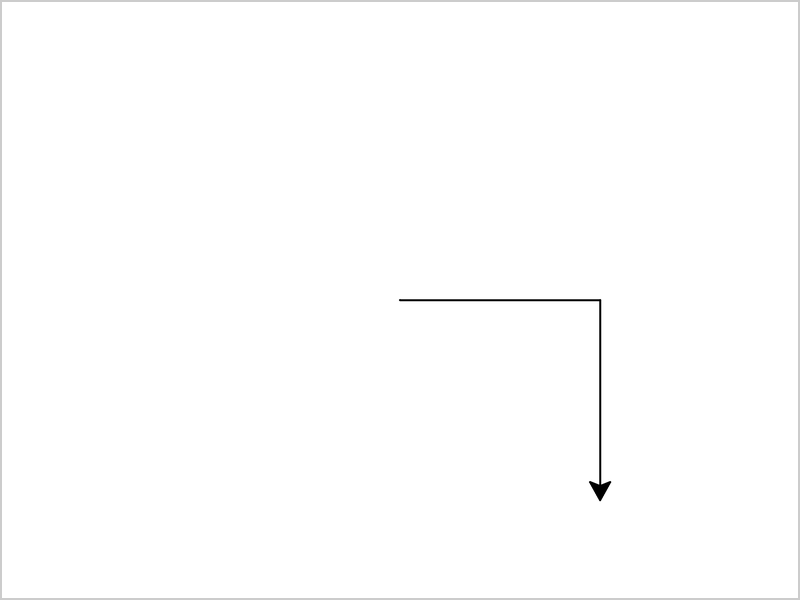
Turn right instead:
import turtle
t = turtle.Turtle()
t.forward(100)
t.right(90)
t.forward(100)
turtle.done()
Result:
Degrees
Angles are measured in degrees, and one whole turn is 360 degrees.
This table shows where the turtle faces after each turn, if it starts facing right:
| Code | Turn | Turtle faces |
|---|---|---|
| t.left(90) | A quarter | Up |
| t.left(180) | A half | Left |
| t.left(270) | Three quarters | Down |
| t.left(360) | A whole turn | Right again |
You can turn any number of degrees:
Example
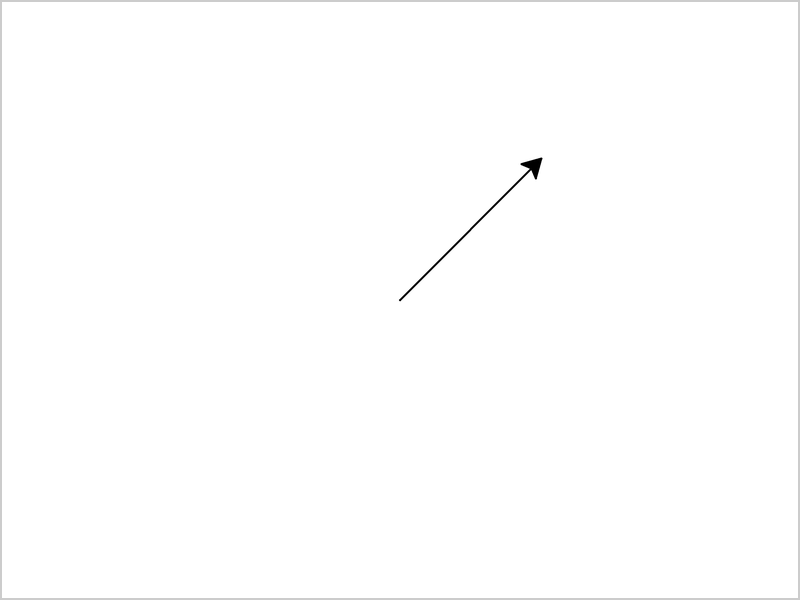
Turn 45 degrees to the left, then move forward:
import turtle
t = turtle.Turtle()
t.left(45)
t.forward(100)
turtle.done()
Result:
Draw a Square
A square has four sides and four corners.
To draw it, move forward and turn left 90 degrees, four times:
Example
Draw a square:
import turtle
t = turtle.Turtle()
t.forward(100)
t.left(90)
t.forward(100)
t.left(90)
t.forward(100)
t.left(90)
t.forward(100)
t.left(90)
turtle.done()
Result:
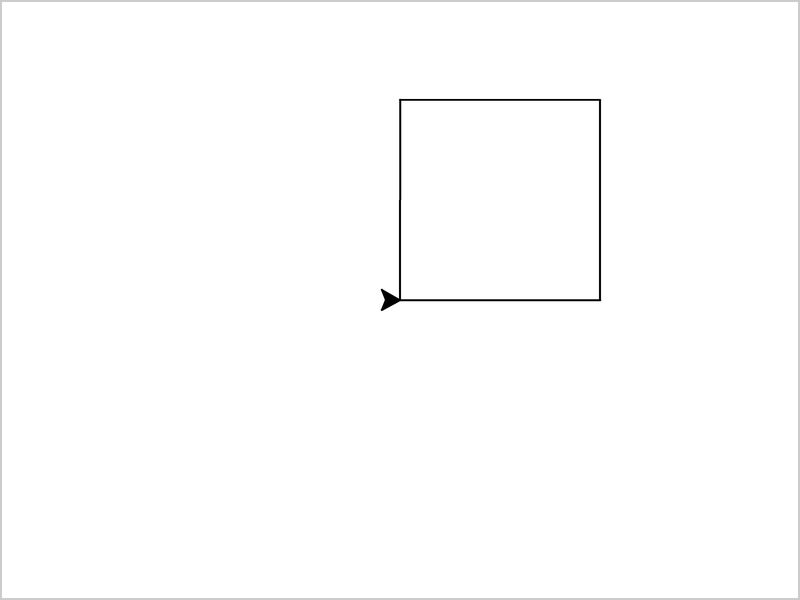
The code repeats t.forward(100) and t.left(90) four times.
In the Turtle Shapes chapter, a for loop does the repeating for you.
Turtle Speed
Use the speed() method to set how fast the turtle moves:
Example
Make the turtle move slowly:
import turtle
t = turtle.Turtle()
t.speed(1)
t.forward(100)
t.left(90)
t.forward(100)
turtle.done()
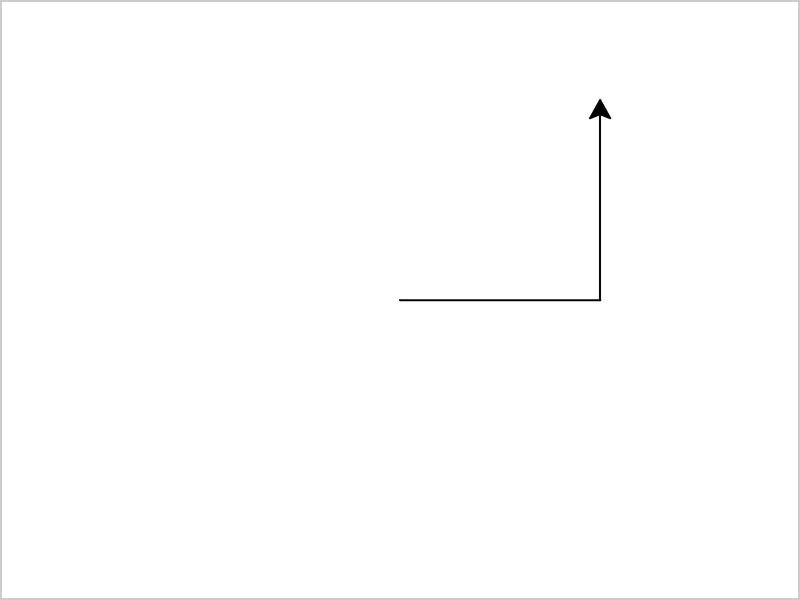
Result:
The speed is a number from 0 to 10:
1is the slowest10is fast0is the fastest. The turtle does not walk at all, and the drawing appears at once
The picture only shows the finished drawing. Run the code on your computer to see the turtle move.







